Sharing files with another business shouldn’t be this hard
Traditional methods create unnecessary friction — generating passwords for PDFs or ZIP files, then finding a secure way to distribute those passwords. It’s clunky, time‑consuming, and error‑prone.

Sharing Files Shouldn’t Be Painful — Make It Simple.
Sharing files with contacts or another business team shouldn’t be this painful. The traditional process is full of friction — creating ZIP files or PDFs, adding a password to each, and then figuring out how to share those passwords securely. It’s so cumbersome that users end up taking shortcuts: choosing weak passwords, re‑using the same one repeatedly, or skipping protection altogether and sending files unencrypted.
There’s a better way: identity‑based access that removes the hassle while keeping security intact.
Create a group channel, choose the contacts who should have access, and drop in your files. Your contacts sign in with their existing Gmail, Office 365, or soon Apple ID — no need to set individual file passwords or document which password goes with which file. Just effortless, identity‑based sharing with any business
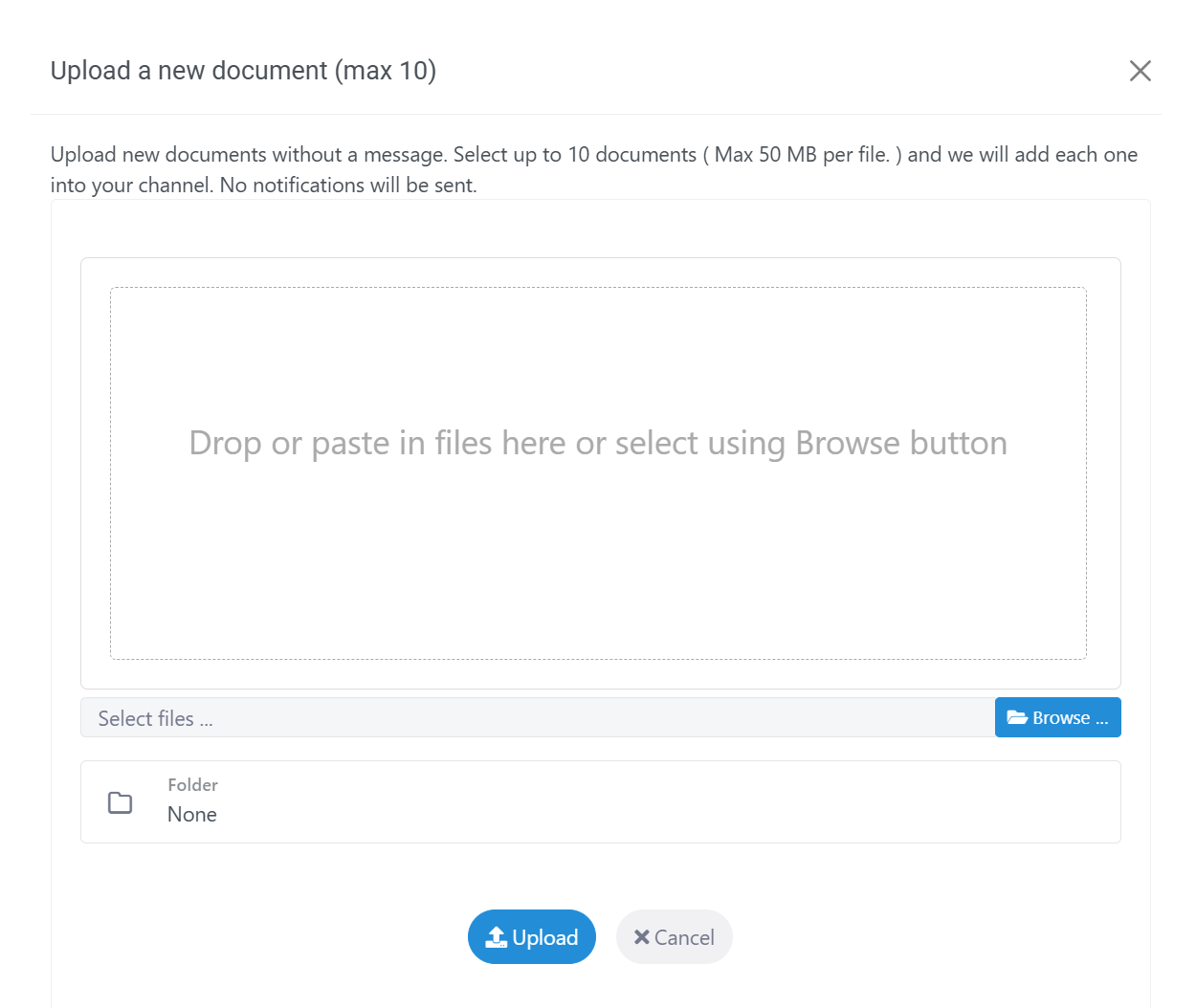
Simple but secure file sharing
Simply select your documents or drag and drop and we will share with everyone in the channel. No need to add additional passwords or pin and for PDF documents we can automatically add a customer watermark or password.
Upload any file or any type up to 2GB in size and we encrypt your files before they are stored on our server with a key that’s unique to each channel and only you, your team and your contacts can access.
Share a file, a folder or many folders
Share a single file for your contacts or create folders that make sense for your contacts.
Once uploaded, you can do more than just store documents — add labels to keep everything organized, set reminders to stay on track, or turn a file into a task and assign it directly to a teammate.
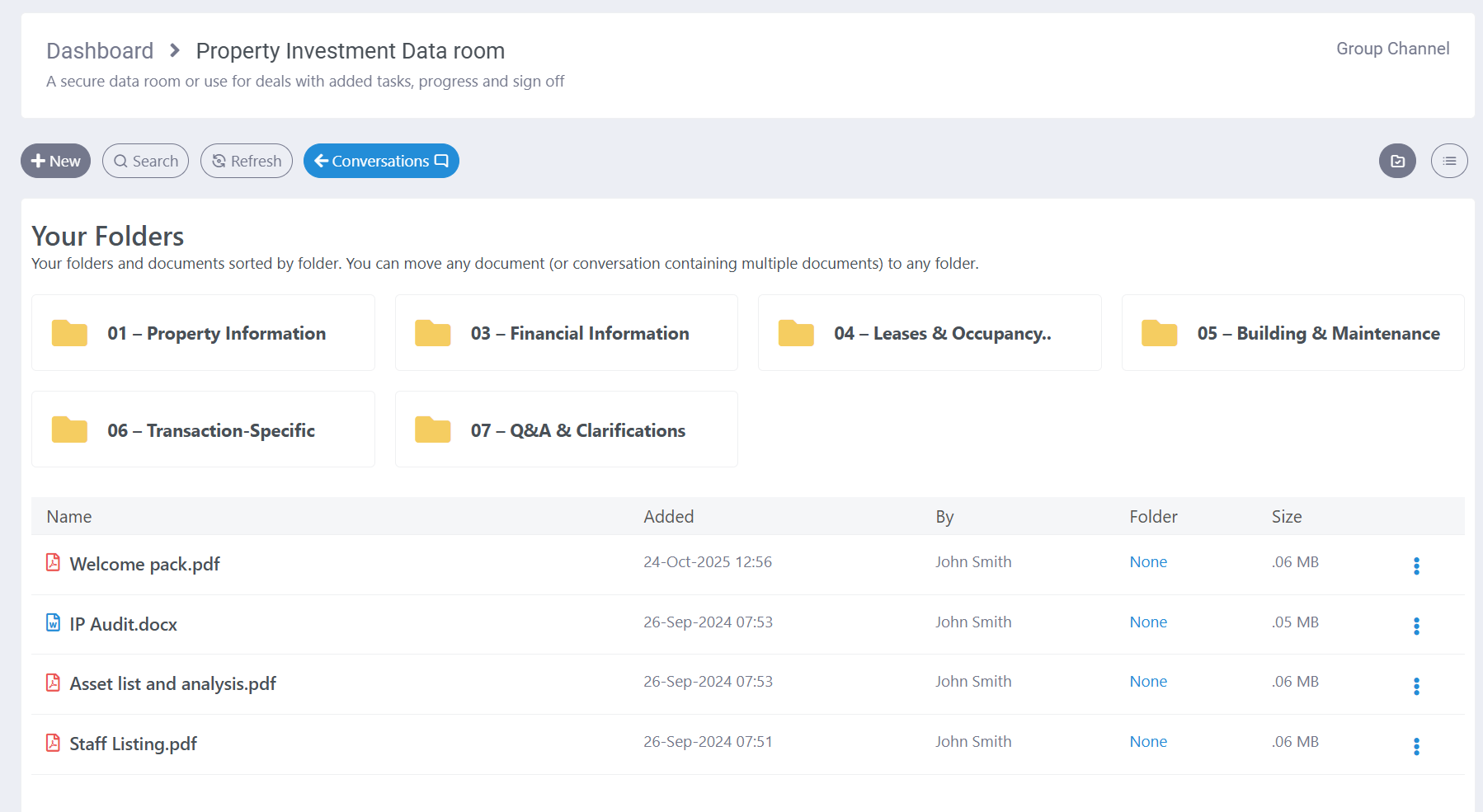
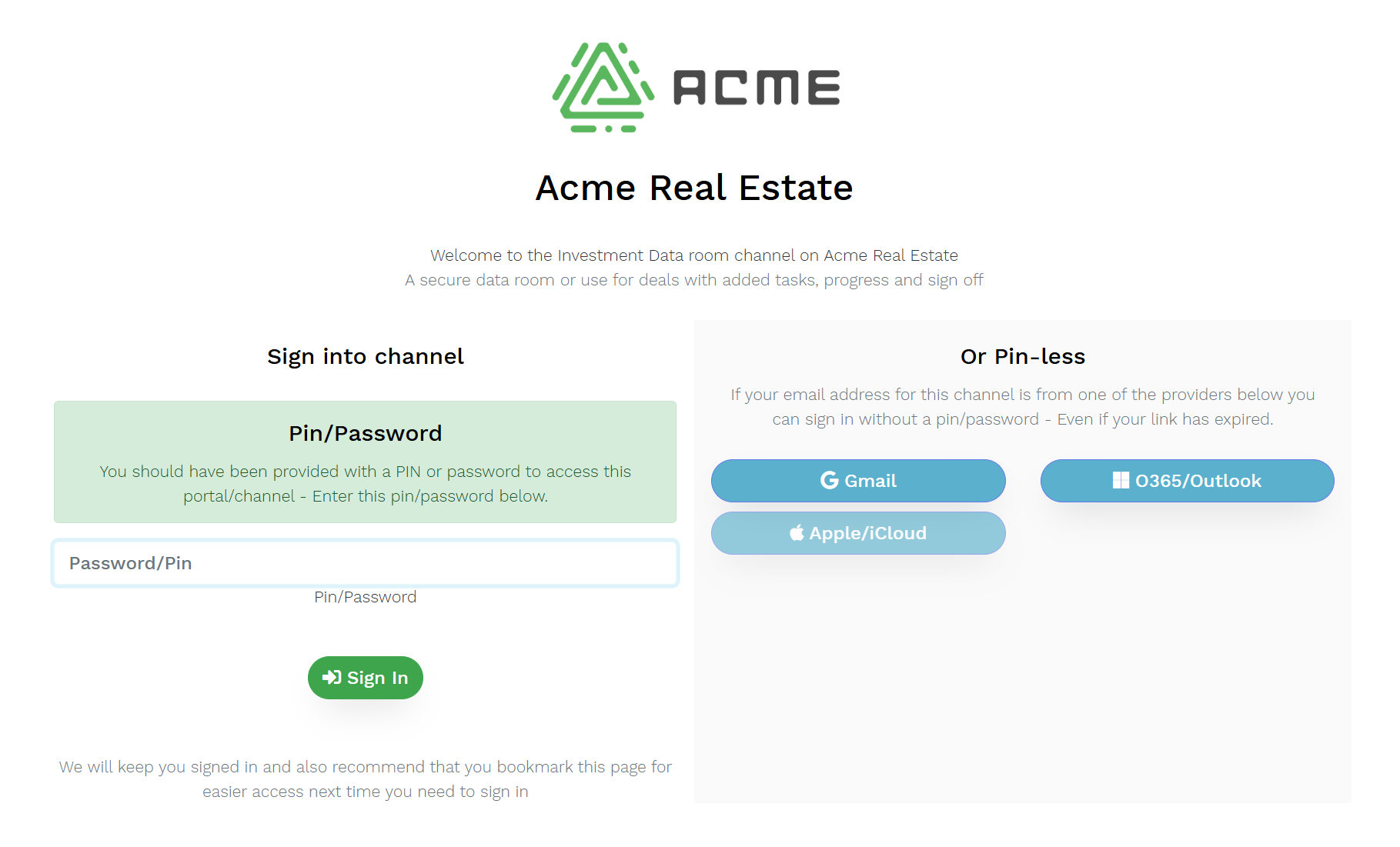
Effortless, Identity‑Based Sharing for Modern Business
Enable your contacts to access shared files using the accounts they already trust—Gmail, Office 365/Outlook, and soon Apple ID. They’ll enjoy seamless, always‑authenticated access anytime, without extra steps. For others, simply set a PIN or password once, and it works across all future file shares—no need to resend credentials.
It’s a secure space that your contact can access anytime, without needing to request a link. Plus, it’s fully branded and customized to reflect your business’s look and feel.
Or peer to peer with zero links
Your contact, client or vendor can get their business on DropVault so that you can share from your dashboard direct to theirs. No links sent, no sign in to each channel. Just drag and drop and file into the shared channel and we will send it direct to their dashboard.
This option is supported on all DropVault channels and portals


Any contact, any device, any where – And nothing to install
In less than the 5 minutes it takes to set up your account your business can be sharing securely with your contacts and greatly improve your business cyber security and protect your most sensitive data.
Access from any device, anywhere and nothing to install either for your team or your contacts.
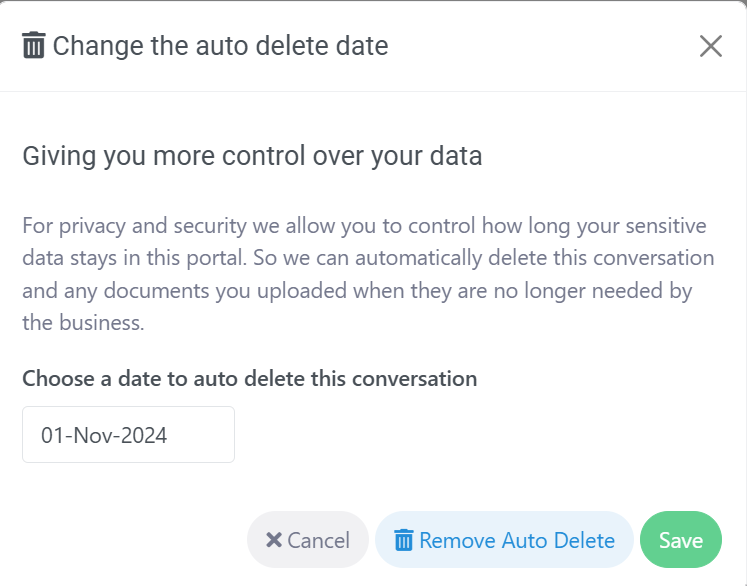
Auto delete documents
Privacy is as important as security, and removing personal data not only improves security, it also removes data when it’s no longer required. We provide every contact with the option to delete any document or message automatically after a set date.
But you can still override this deletion if it your business has to meet specific compliance regulations.
Connect and share with stakeholders with a dedicated channel for private discussions, documents and decisions

Collaborate with clients, legal and financial advisors in one secure and private space

Share and discuss with your team, family, wealth and legal advisor with privacy and security

Keep your sales projects, sensitive deals and IP in one secure space with discussions, tasks, sign off and more

Keep your discussions, decisons, documents, tasks, sign off & votes private and secure

Ensure privacy and security when sharing medical data between teams or organizations
Interested?
If you’re new to DropVault, you can easily get started with a 14-day no hassle free trial, and no credit card required. Or contact us for more information or if you have any questions.